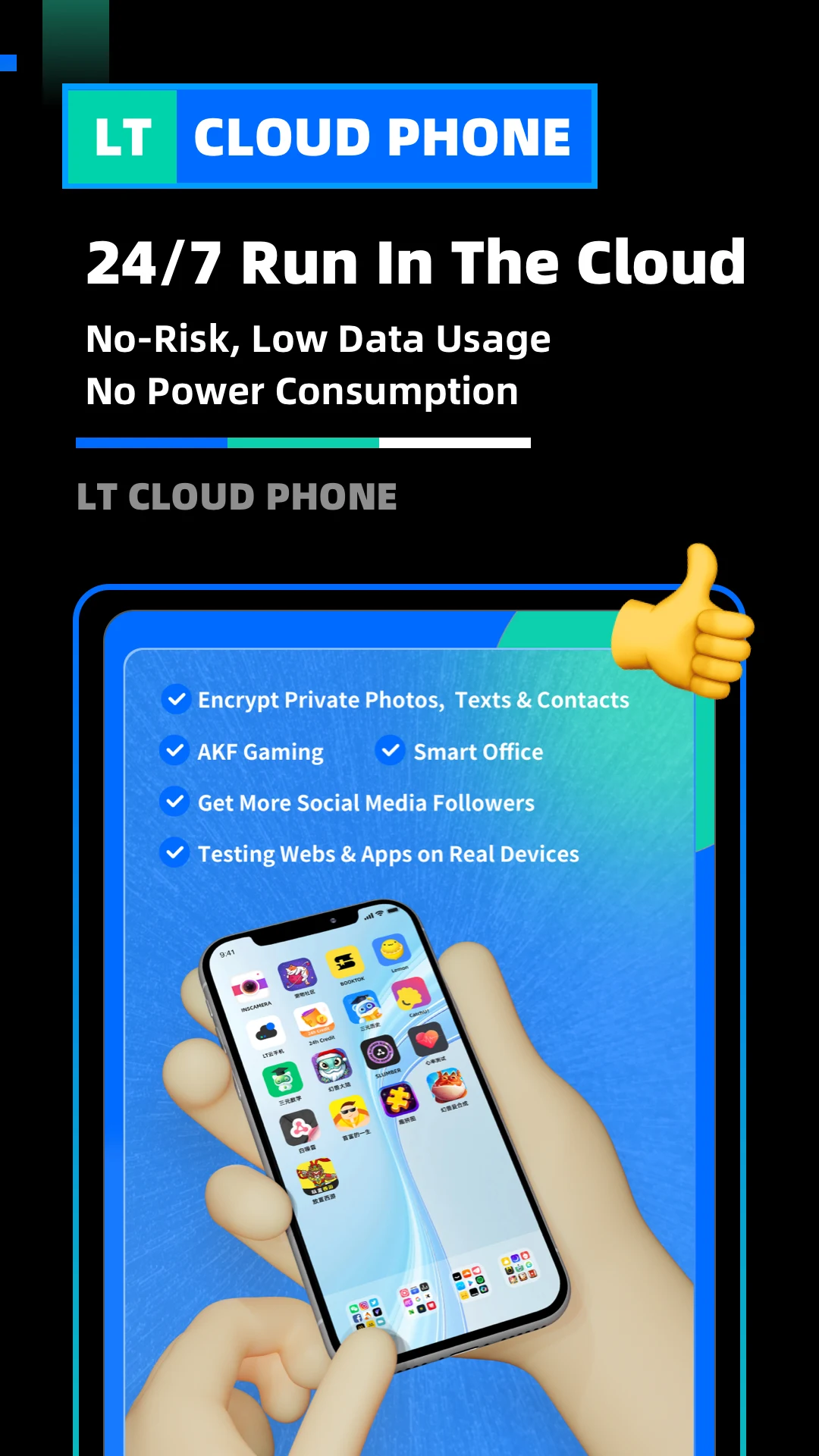
LT Cloud Phone - Emulator brings the power of a full Android device to the cloud, allowing you to access your apps, games, and files from anywhere with an internet connection. Whether you want to play MMOs, test apps, or handle marketing tasks, this cloud phone provides a flexible and efficient solution. It eliminates the limitations of device storage and battery life, letting you enjoy seamless multitasking on multiple virtual devices. With a secure server-client architecture, your data remains safe while you interact with your cloud environment. Experience the freedom of a virtual phone without the hassle of physical hardware.
Features of LT Cloud Phone - Emulator:
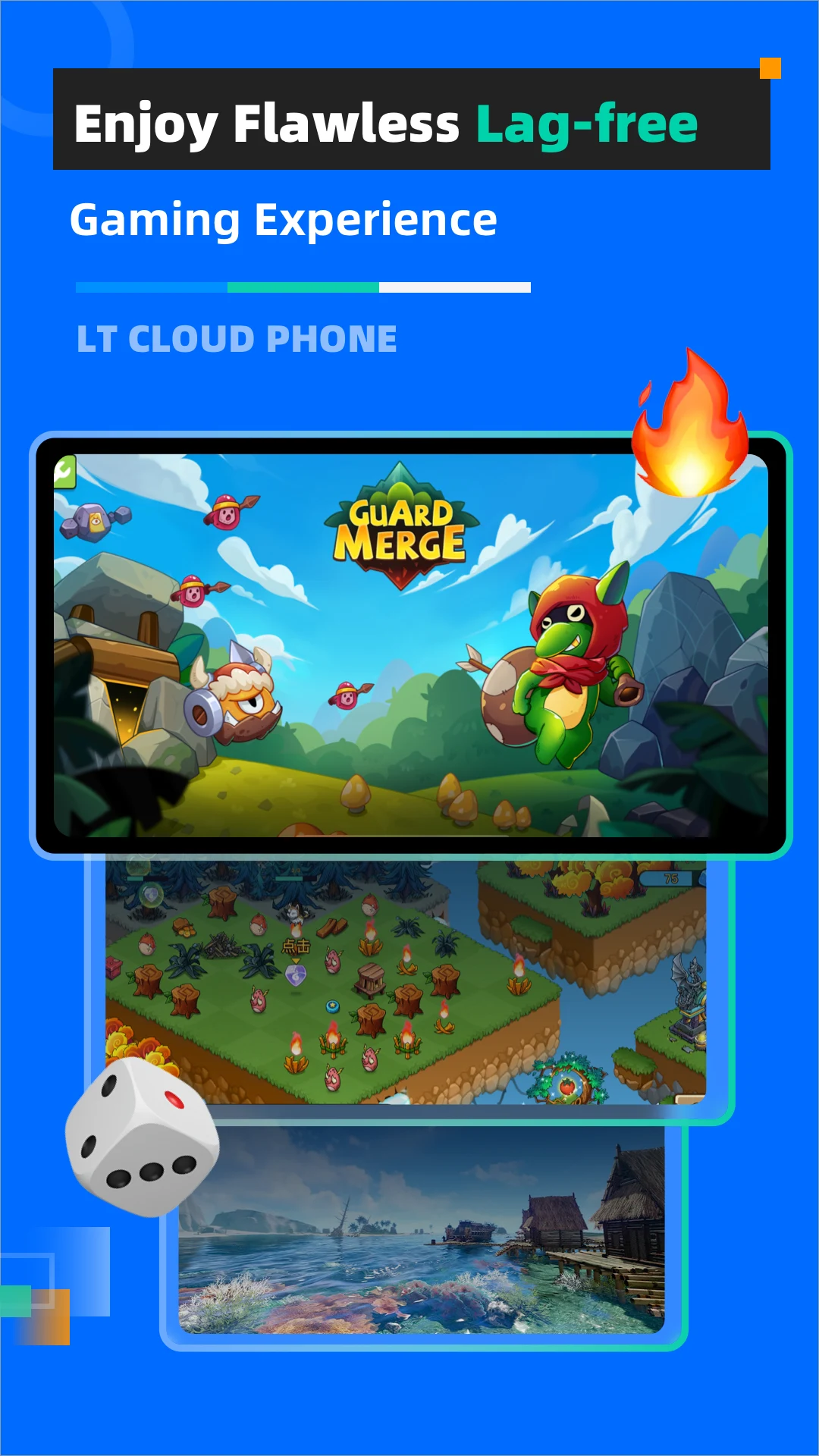
1. Efficient Cloud Gaming: Play MMOs and other apps anytime with Google Play pre-installed on the cloud phone.
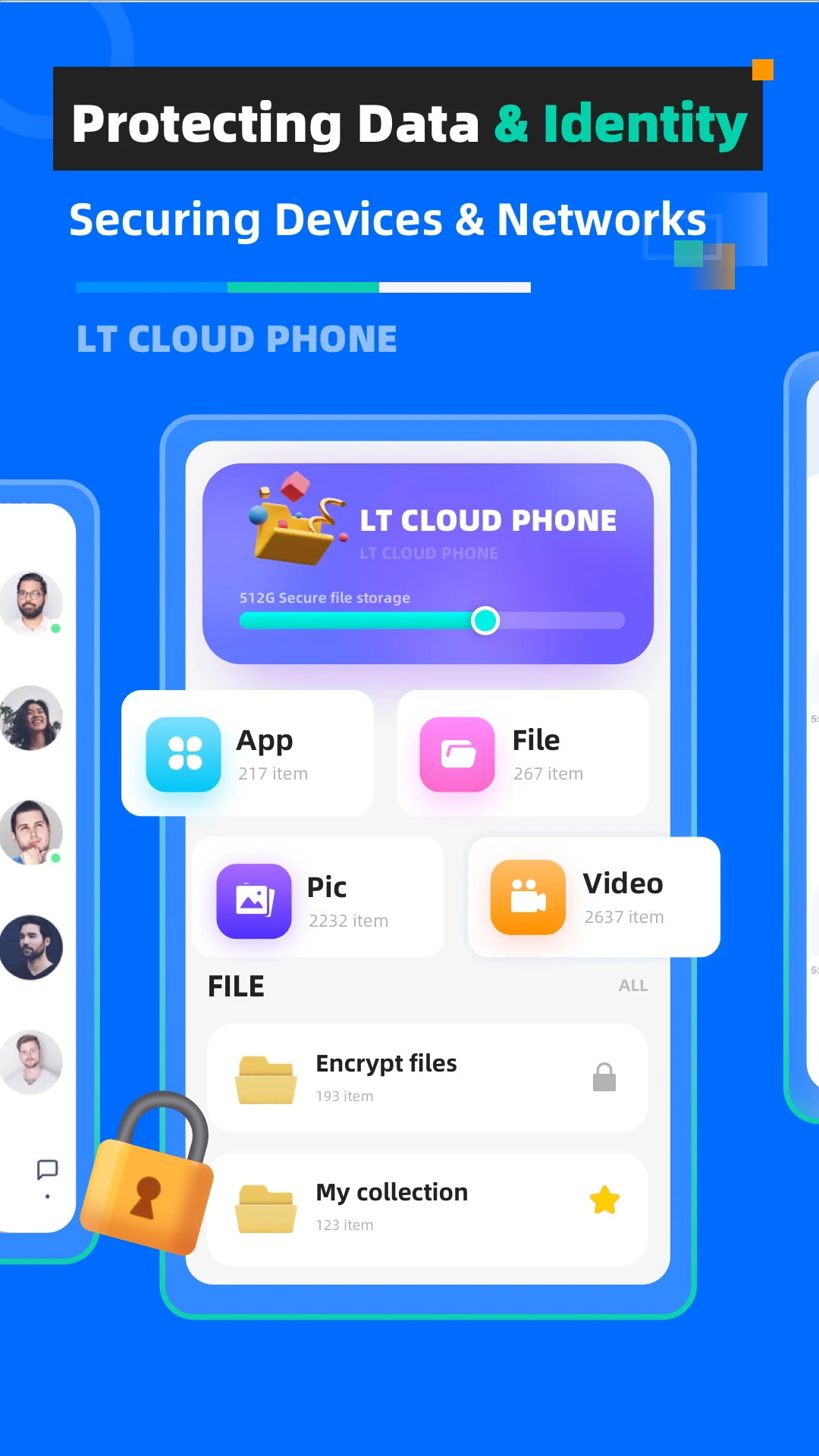
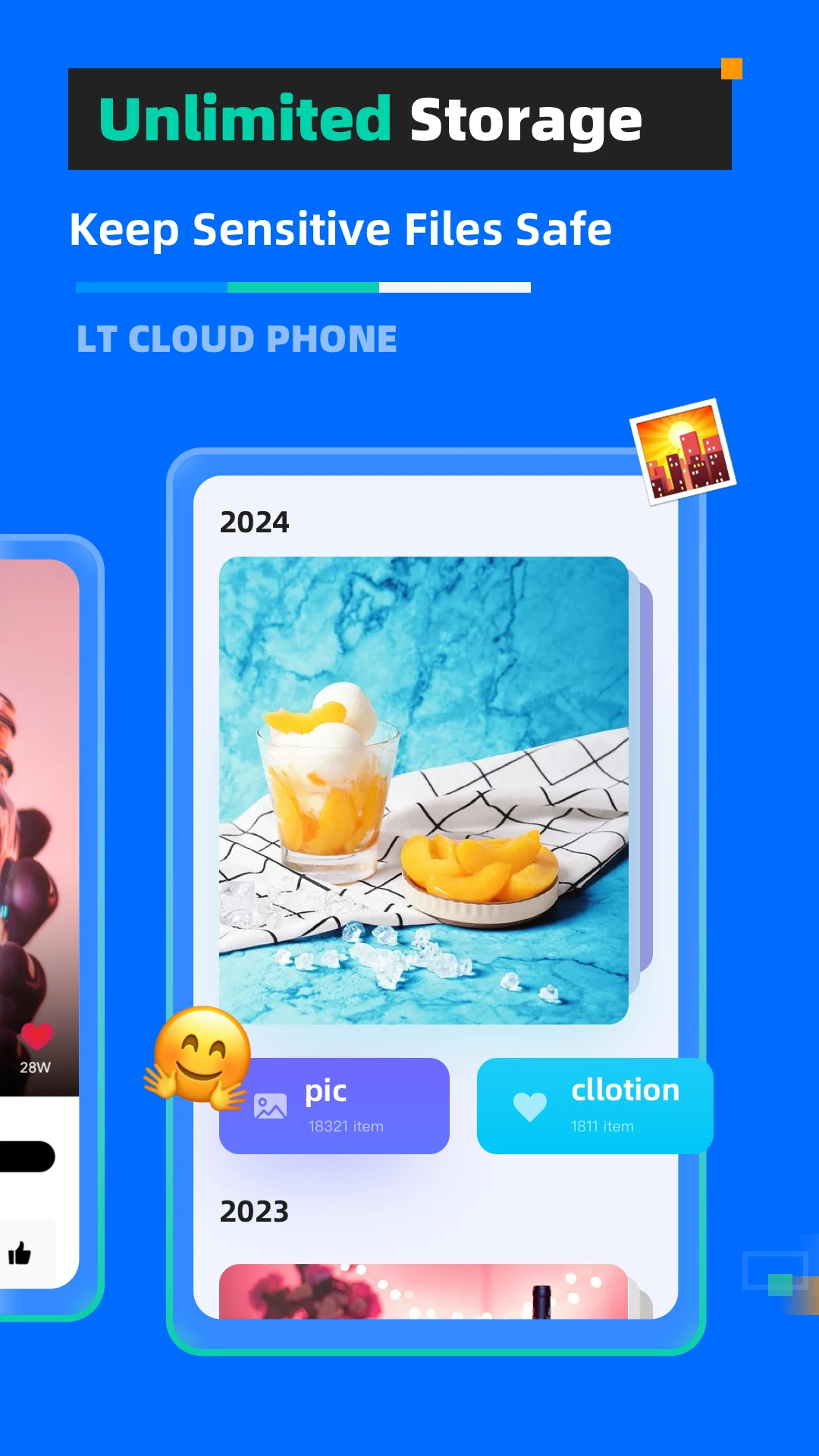
2. Simple Data Transfer: Upload photos, files, and apps easily with just one click, avoiding device switching.
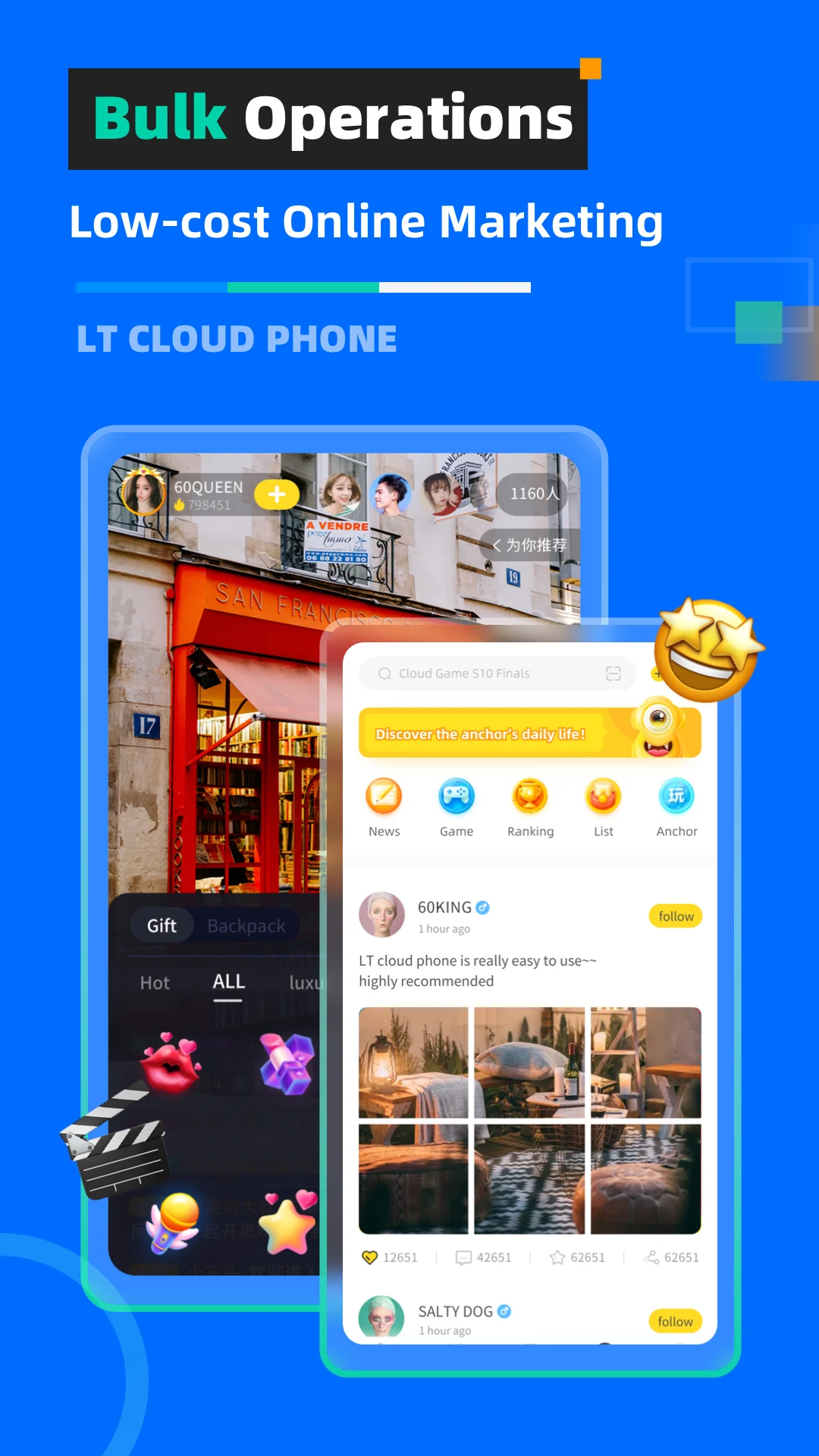
3. Multi-Tasking Marketing: Manage multiple marketing tasks simultaneously using several cloud phones at minimal cost.
4. Space Optimization: Free up storage and battery on your real device as the cloud phone handles everything remotely.
5. Testing Simulation: Test apps, websites, and games online quickly with the LT Android cloud phone environment.
Playing Tips for LT Cloud Phone - Emulator:
1. Use cloud gaming to play resource-heavy games without slowing down your local device.
2. Take advantage of multi-tasking to run several applications simultaneously for marketing or productivity.
3. Upload and manage files efficiently using the one-click data transfer feature to save time.
4. Regularly test your apps or websites in the cloud environment before deployment to avoid errors.
5. Monitor storage and performance on your virtual device to optimize usage and prevent lag.
FAQs of LT Cloud Phone - Emulator:
Q: Can I access my LT Cloud Phone from any device?
A: Yes, it works on any device with an internet connection and a compatible web browser.
Q: Is my data safe on the LT Cloud Phone?
A: Absolutely. LT Cloud Phone uses a secure server-client structure to keep your information private and protected.
Q: Is it easy to set up and use?
A: Yes, the cloud phone is user-friendly and requires minimal memory on your device.
Q: Does it support all apps from Google Play?
A: Yes, LT Cloud Phone is fully compatible with apps and games from Google Play.
Conclusion:
LT Cloud Phone - Emulator offers a powerful and versatile platform for gaming, testing, and multitasking without relying on physical hardware. Its cloud-based system provides seamless performance, efficient data management, and secure storage. Whether you are a gamer, marketer, or developer, the LT Cloud Phone enhances your productivity and digital experience. Download it now to unlock a flexible and high-performance virtual device at your fingertips.
Additional APP Information
Version
2.2.2
Size
74.00M
Language
English
Rating
4.1
Package Name
com.letui.cphone
Developer
Mate Games Studio